
Mercedes E Class App Features: Ultimate Luxury
Unlock the ultimate luxury of your Mercedes E-Class by mastering its advanced app features. Discover how to seamlessly connect, control, and personalize your driving experience, transforming everyday commutes into extraordinary journeys. Explore intuitive tools that enhance convenience, safety, and entertainment, right from your smartphone.
Driving a Mercedes-Benz E-Class is an experience in refined luxury and cutting-edge technology. Among the most impressive aspects of this sophisticated vehicle are its integrated app features. These digital tools are designed to put unprecedented control and convenience at your fingertips, seamlessly blending your digital life with your automotive one. You might be wondering how to best utilize these features to their full potential, or perhaps you’re a new owner eager to explore what your E-Class can do. This guide will demystify the Mercedes-Benz E-Class app features, showing you how they contribute to an ultimate luxury experience. We’ll break down each key function, offering clear explanations and practical tips so you can confidently navigate and enjoy every aspect of your connected E-Class.
Mercedes me connect: Your Digital Gateway

At the heart of your E-Class’s connected experience is the Mercedes me connect suite of services. This ecosystem is your direct link to your vehicle, providing a range of functionalities accessible through your smartphone. Think of it as an extension of your car’s premium interior, bringing essential controls and information wherever you go.
What is Mercedes me connect?
Mercedes me connect is a comprehensive digital platform that integrates your Mercedes-Benz E-Class with your personal devices and the Mercedes-Benz digital world. It’s more than just an app; it’s a service designed to enhance your ownership experience, making it more convenient, informed, and enjoyable.
Key Services Offered:
- Navigation Services: Send destinations directly to your car’s navigation system, access live traffic information, and utilize online map updates.
- Vehicle Monitoring: Check your car’s status, including fuel level, tire pressure, mileage, and lock/unlock doors remotely.
- Vehicle Setup: Configure pre-entry climate control, set parking lights, and manage vehicle settings.
- Concierge Services: Access personalized assistance for travel arrangements, reservations, and more (availability varies by region and subscription).
- Digital Maintenance Record: Keep track of your service history and receive maintenance reminders.
- Valet Mode: A feature that allows you to grant temporary access to certain vehicle functions, useful for parking attendants.
Setting Up Mercedes me connect for Your E-Class
Getting started with Mercedes me connect is straightforward. Here’s a general guide:
- Download the App: Search for “Mercedes me” in your smartphone’s app store (available for iOS and Android) and download the correct app for your region.
- Create or Log In to Your Mercedes me Account: If you don’t have one, you’ll need to register. Follow the on-screen prompts to create your secure account.
- Link Your Vehicle: Once logged in, you’ll be guided to add your E-Class. This typically involves entering your Vehicle Identification Number (VIN) or scanning a QR code found in your owner’s manual or your car’s infotainment system.
- Activate Services: After your vehicle is linked, you can choose and activate the services you wish to use. Some services may require a subscription after an initial trial period.
- Authorize in the Vehicle: For security, you often need to confirm the connection within your E-Class’s infotainment system. Follow the prompts on your car’s screen to authorize the link between your account and the vehicle.
It’s worth noting that specific setup steps can vary slightly depending on your model year and region. Always refer to your vehicle’s owner’s manual or the Mercedes me connect website for the most precise instructions.
Essential E-Class App Features Demystified
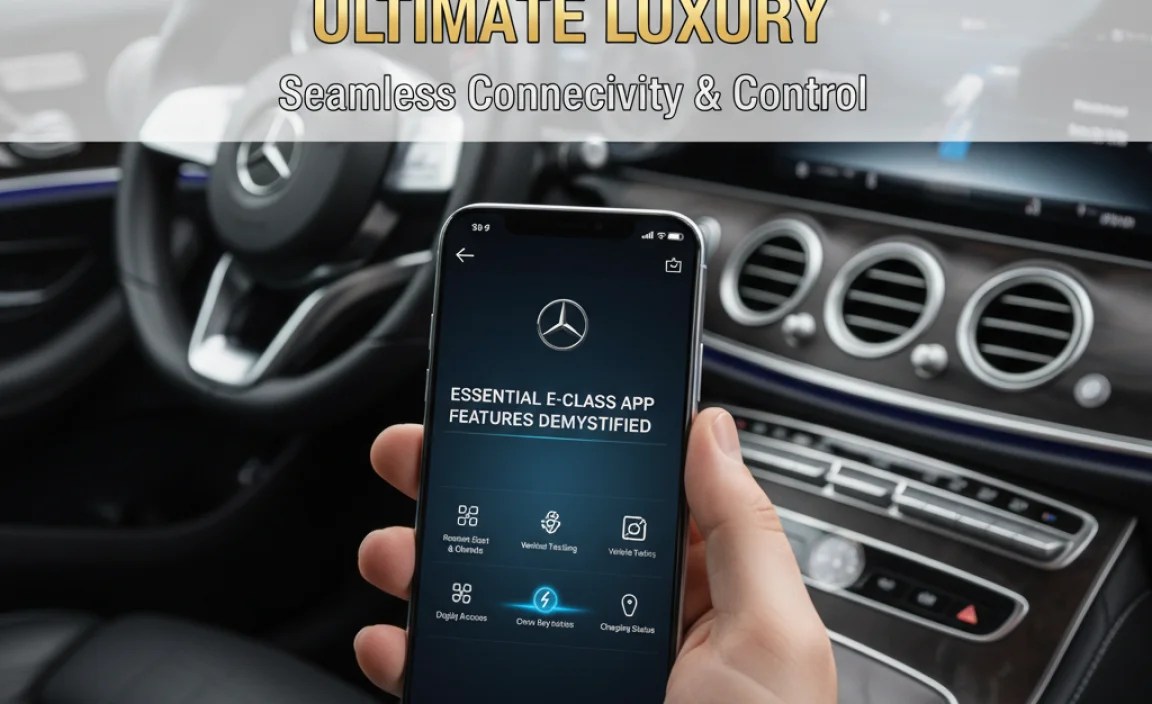
The Mercedes-Benz E-Class is packed with intelligent app features designed for convenience and peace of mind. Let’s dive into some of the most impactful ones.
Remote Access & Control
This is perhaps the most tangible benefit of the Mercedes me connect system for day-to-day use. Imagine being able to interact with your car before you even step outside.
Remote Lock/Unlock
Forgot if you locked your car after a busy shopping trip? With the Mercedes me app, you can check the lock status and, if necessary, lock or unlock your E-Class remotely. This feature is incredibly useful for ensuring your vehicle’s security or for letting a trusted person access it if you’re not around.
Remote Engine Start & Pre-Entry Climate Control
Gone are the days of getting into a freezing car in winter or a sweltering car in summer. Using the app, you can start your E-Class’s engine remotely and activate the climate control system to reach your desired temperature before you even leave your house or office. This feature is a true embodiment of luxury and convenience, especially during extreme weather conditions.
Note: Remote Engine Start functionality and its availability may be subject to regional regulations and specific model configurations.
Vehicle Finder
Navigating a large, unfamiliar parking lot can be a challenge. The Vehicle Finder feature shows you the last known location of your E-Class on a map within the app, making it easy to locate your vehicle quickly.
Status Overview
The app provides a comprehensive snapshot of your vehicle’s current condition. You can check:
- Fuel Level: See how much fuel is left.
- Tire Pressure: Monitor the health of your tires.
- Door and Window Status: Ensure all are securely closed.
- Odometer Reading: Keep track of your mileage.
This proactive monitoring helps you stay informed and can prevent unexpected issues.
Navigation & Travel Enhancements
The E-Class integrates advanced navigation to make your journeys smoother and more efficient.
Send to Benz
Planning a route? Instead of typing the address directly into your car’s system while driving, you can use the “Send to Benz” feature. Simply find your destination on your phone using your preferred map application, and send the address directly to your E-Class’s navigation system via the Mercedes me app. It’s a seamless way to prepare your route before you set off.
Live Traffic Information & Online Map Updates
Stay ahead of congestion with real-time traffic data integrated into your navigation. The E-Class also receives regular online map updates, ensuring your navigation system is always current with the latest road layouts and points of interest. This keeps your routes optimized and your travel stress-free.
Comfort & Personalization Features
Your E-Class is designed to adapt to your preferences. The app allows for deep personalization.
Pre-Entry Climate Control (Linked to Remote Engine Start)
As mentioned earlier, setting your desired cabin temperature before you get in is a hallmark of luxury. This controllable environment ensures you step into a perfectly comfortable space, regardless of the outside weather.
Vehicle Settings Management
Some aspects of your vehicle’s settings can be adjusted via the app, allowing you to tailor certain preferences even when you’re away from the car. This can include everything from lighting preferences to driving assistance system configurations, depending on the specific model and options.
Integrating with Your Infotainment System

The true power of the Mercedes E-Class app features is realized when they interact seamlessly with the MBUX (Mercedes-Benz User Experience) infotainment system in your car.
MBUX: The Intelligent Cockpit
The MBUX system is the brain of your E-Class’s digital interface. It’s designed to be intuitive, responsive, and highly personalized. Features like voice control (“Hey Mercedes”), augmented reality navigation, and customizable display layouts are all part of this advanced system.
How Apps Connect to MBUX
The Mercedes me connect app acts as the bridge between your digital world and the MBUX system. After you’ve linked your account and authorized the connection within the car, commands and data flow between your smartphone and the vehicle.
For example, when you send a destination via “Send to Benz,” the app transmits this information to the Mercedes me servers, which then relay it precisely to your E-Class’s MBUX navigation module. Similarly, when you request a vehicle status check, the car sends this data back through the Mercedes me platform to be displayed in your app.
Voice Commands and App Integration
Many of the app’s functionalities can also be controlled using voice commands within the car through MBUX. You can say, “Hey Mercedes, what’s my tire pressure?” or “Hey Mercedes, set the interior temperature to 21 degrees Celsius,” and the system will access the information or initiate the action, often leveraging the connected Mercedes me services.
Digital Key and Convenience
Some newer E-Class models may offer a Digital Key feature, allowing you to use your smartphone as a key to unlock and start your vehicle. This is often managed through the Mercedes me app or a dedicated Digital Key app, further enhancing the seamless integration of your device with your car.
Advanced Features & Considerations
Beyond the core convenience features, there are advanced aspects and important considerations for using your E-Class’s app capabilities.
Augmented Reality Navigation
Many E-Class models come equipped with augmented reality navigation integrated into the MBUX system. When you’re approaching a turn or a specific destination, the system can overlay live camera footage of the road ahead with helpful navigation arrows, street names, and house numbers. This visual aid is incredibly effective for navigating complex intersections and making sure you never miss a turn.
Music Streaming and Personalization
While not strictly app features in the same sense as remote control, the E-Class’s MBUX system integrates deeply with online music streaming services (like Spotify, Apple Music, etc. depending on region and subscription). You can link your accounts to play your favorite playlists directly through the car’s premium sound system, controlled via the infotainment screen or voice commands.
Over-the-Air Updates (OTA)
Mercedes-Benz is increasingly rolling out Over-the-Air (OTA) updates for various vehicle functions, including infotainment and even some driving systems. Your E-Class may download and install these updates automatically or prompt you to do so, ensuring your car stays up-to-date with the latest software improvements and features without needing a trip to the dealership. This capability is often managed and communicated through the Mercedes me system.
Safety & Security Features Enhanced by Apps
While core safety systems are inherent to the vehicle, the app features can enhance your awareness and ability to respond.
- Theft Assistance: If your vehicle is reported stolen, Mercedes me connect services can help authorities track its location.
- Accident Recovery: In the event of an accident where airbags deploy, your E-Class can automatically notify Mercedes me connect services, which can then relay your location and other vital information to emergency services. Again, confirmation within the vehicle and proper setup are crucial.
Subscription and Data Requirements
It’s important to understand that many Mercedes me connect services rely on a cellular data connection. The vehicle itself has a built-in SIM card for this purpose, but these services often come with:
- Initial Trial Periods: Most services are included free for a set period (e.g., 3 years).
- Subscription Fees: After the trial, an annual subscription fee may apply to continue using many of these connected features. Pricing varies and can be checked on the official Mercedes-Benz website for your region.
- Data Plans: While the car has a SIM, there are often data allowances. For certain extensive data usage (like constant streaming or advanced navigation features requiring heavy data), you might need to consider extended data plans or linked mobile devices.
Always check the specific terms and conditions for your region and model year regarding subscription costs and data usage.
Region and Model Variations
The availability and specific functionality of Mercedes me connect features can vary significantly based on your geographical region (e.g., North America, Europe, Asia) and the specific model year and trim level of your E-Class. Some features might be standard, while others are optional or only available on higher trim levels.
Expert Tips for Maximizing Your E-Class App Experience
As Bryan Bowman, I’ve seen countless owners unlock the full potential of their Mercedes-Benz. Here are my top tips for getting the most out of your E-Class app features:
Set It Up Fully and Promptly
Don’t let your Mercedes me connect account sit idle. As soon as you take delivery of your E-Class, dedicate time to completing the setup process. The sooner you have it linked, the sooner you can benefit from all its conveniences.
Explore All Connected Services
Take a deep dive into the Mercedes me portal or app. Understand what each service offers. Often, owners are only aware of 2-3 features but miss out on valuable tools like the Digital Maintenance Record or Concierge Services (if available).
Personalize Your Settings
Go through the “Vehicle Setup” options in the app and within your car’s MBUX system. Customize your pre-entry climate control preferences, check how you want notifications to appear, and ensure your preferred navigation settings are active.
Utilize Voice Commands
The “Hey Mercedes” voice assistant is incredibly powerful. Practice using it for common tasks you often do via the app, such as checking fuel levels or setting the climate. It’s often faster and safer while driving. For more on MBUX and voice control, you can check out resources from Mercedes-Benz.
Stay Informed About Updates
Keep an eye out for Over-the-Air (OTA) updates. These can introduce new features or improve existing ones. Ensure your vehicle’s connectivity settings allow for these updates to be downloaded and installed smoothly.
Understand Your Subscription Needs
Before your trial period ends, evaluate which services you actually use and value. This will help you decide which subscriptions are worth renewing to continue enjoying the ultimate luxury experience your E-Class offers.
Prioritize Security
Use a strong, unique password for your Mercedes me account. Enable two-factor authentication if offered. Treat your Mercedes me account like any other important online account to protect your personal and vehicle data.
FAQ: Your Mercedes E-Class App Questions Answered
Q: What is the Mercedes Connect app for?
A: The Mercedes me connect app is your smartphone interface for managing and controlling various features of your Mercedes-Benz E-Class. It allows for remote access, vehicle monitoring, navigation assistance, and personalization settings.
Q: Do I need a subscription for all Mercedes me features?
A: Many features are available for a trial period (often 3 years) at no extra cost. After the trial, some services require an annual subscription to continue using them. Essential safety and basic monitoring features may remain free or have different terms.
<h3 id=”q-can-i-start-my-e-class


