
Mercedes Sedan Software Updates: The Effortless Guide
Keeping your Mercedes-Benz sedan’s software up-to-date is essential for optimal performance, security, and access to the latest features. This guide provides a simple, step-by-step approach to understanding and performing these updates, ensuring your Mercedes stays at its peak.
Software updates are more than just bug fixes; they’re about enhancing your driving experience. Outdated software can lead to glitches, reduced performance, and even security vulnerabilities. Many owners find the update process confusing, but it doesn’t have to be. This article breaks down everything you need to know, from checking for updates to understanding Over-the-Air (OTA) installations. We’ll cover troubleshooting common issues and explain the benefits of staying current. Get ready to effortlessly optimize your Mercedes sedan.
Frequently Asked Questions
- Why are software updates important for my Mercedes?
- Software updates improve performance, fix bugs, enhance security, and add new features to your car’s systems.
- How often should I update my Mercedes software?
- Check for updates regularly, especially when notified by Mercedes-Benz or your dealership. Updates are typically released every few months.
- What is an Over-the-Air (OTA) update?
- OTA updates are software updates that are downloaded and installed wirelessly, without needing a physical connection to a computer or visit to the dealership.
- Can I update my Mercedes software myself?
- Yes, many updates can be done Over-the-Air (OTA) or through the Mercedes me app. Some updates might require a visit to the dealership.
- What do I do if an update fails to install?
- Restart the update process. If it fails again, contact your Mercedes-Benz dealership for assistance.
- Will a software update erase my personal settings?
- Most updates preserve your settings, but it’s always a good idea to back up important data before performing an update, just in case.
- How do I know if my Mercedes needs a software update?
- Your car may display a notification on the central display screen, or you can check for updates through the Mercedes me app.
Understanding Mercedes-Benz Software Updates

Modern Mercedes-Benz sedans are equipped with sophisticated computer systems that control everything from the engine and transmission to the infotainment and safety features. Just like your smartphone or computer, these systems require regular software updates to function optimally. These updates address bugs, improve performance, enhance security, and introduce new features. Staying on top of these updates ensures your Mercedes remains at the cutting edge of automotive technology.
Why Software Updates Matter
- Improved Performance: Updates can optimize engine performance, transmission smoothness, and overall driving dynamics.
- Bug Fixes: Software updates often resolve glitches and issues that can affect various systems within the car.
- Enhanced Security: Security updates protect your vehicle from potential cyber threats and vulnerabilities.
- New Features: Updates can introduce new functionalities, improve existing features, and enhance the overall user experience.
- System Stability: Regular updates ensure all the car’s systems work together harmoniously, reducing the risk of malfunctions.
Types of Software Updates
Mercedes-Benz provides different types of software updates, each addressing specific aspects of your vehicle’s systems:
- Over-the-Air (OTA) Updates: These updates are downloaded and installed wirelessly, typically for infotainment and connectivity features.
- Module-Specific Updates: These updates target individual modules, such as the engine control unit (ECU) or transmission control unit (TCU), and often require a dealership visit.
- Map Updates: Navigation system updates ensure you have the latest maps and points of interest.
- Safety System Updates: These updates focus on safety features like adaptive cruise control, lane keeping assist, and emergency braking systems.
Checking for Software Updates
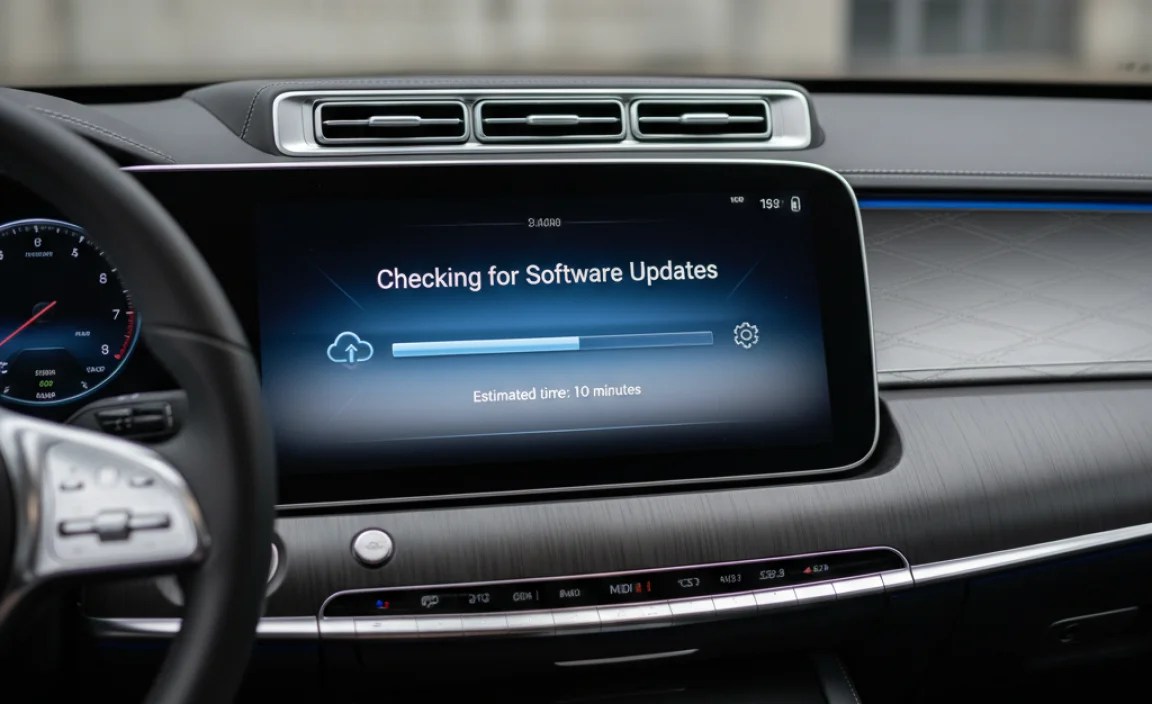
There are several ways to check if your Mercedes-Benz sedan needs a software update.
Using the Mercedes me App
The Mercedes me app is a convenient tool for managing your vehicle and checking for updates.
- Download and Install: If you haven’t already, download the Mercedes me app from the App Store (iOS) or Google Play Store (Android).
- Log In: Open the app and log in using your Mercedes me account credentials. If you don’t have an account, you’ll need to create one.
- Vehicle Overview: Once logged in, select your vehicle from the list. The app’s home screen provides an overview of your car’s status.
- Check for Updates: Look for a section labeled “Software Updates” or “Service.” The app will indicate if any updates are available for your vehicle.
- Follow Instructions: If an update is available, follow the on-screen instructions to initiate the download and installation process. Make sure your car is parked in a safe location with a stable internet connection if the update is OTA.
Via the Vehicle’s Display Screen
You can also check for updates directly through your Mercedes’ infotainment system.
- Start the Car: Turn on your Mercedes-Benz sedan.
- Navigate to Settings: Use the central controller or touchscreen to navigate to the “Settings” menu.
- Software Update: Look for an option labeled “Software Update” or “System Update.” The exact wording may vary depending on your model and software version.
- Check for Updates: Select the “Check for Updates” option. The system will search for available updates.
- Install Updates: If an update is available, follow the on-screen prompts to begin the installation. Ensure the car remains stationary during the update process.
Dealership Notification
Mercedes-Benz dealerships often proactively notify owners about necessary software updates during routine service visits. They may also send out notifications via mail or email regarding critical updates that require immediate attention. It’s essential to keep your contact information updated with your dealership to receive these notifications promptly.
Performing Over-the-Air (OTA) Updates

Over-the-Air (OTA) updates are the most convenient way to keep your Mercedes-Benz software current. These updates are downloaded and installed wirelessly, without requiring a trip to the dealership. Here’s how to perform an OTA update:
- Receive Notification: You’ll typically receive a notification on your car’s display screen or via the Mercedes me app when an OTA update is available.
- Review Details: Read the update details carefully, noting any important information or instructions.
- Start the Update: Follow the on-screen prompts to begin the update process. You may need to agree to terms and conditions before proceeding.
- Ensure Connectivity: For OTA updates to work correctly, your car needs a stable internet connection. It’s recommended to park your vehicle in an area with good cellular or Wi-Fi coverage.
- Installation Process: The update will download and install automatically. This process can take anywhere from a few minutes to over an hour, depending on the size of the update.
- Do Not Interrupt: It’s crucial not to interrupt the update process. Do not turn off the car or disconnect the internet connection.
- Completion: Once the update is complete, you’ll receive a confirmation message. The system may restart automatically.
- Verify Installation: After the update, verify that it has been installed successfully by checking the software version in the settings menu.
Dealership Updates

Some software updates require a visit to your Mercedes-Benz dealership. These updates often involve critical systems that require specialized tools and expertise to update safely and effectively. If you receive a notification indicating that a dealership visit is necessary, schedule an appointment as soon as possible.
When is a Dealership Visit Required?
- Module-Specific Updates: Updates to critical modules like the ECU or TCU often require a dealership visit.
- Complex Installations: Some updates may involve complex installation procedures that cannot be performed OTA.
- Safety-Related Updates: Updates related to safety systems, such as airbags or braking systems, typically require a dealership visit.
- Warranty Requirements: Certain updates may be required to maintain your vehicle’s warranty coverage.
Preparing for Your Dealership Visit
To ensure a smooth and efficient dealership visit for a software update, consider the following:
- Schedule an Appointment: Contact your Mercedes-Benz dealership to schedule an appointment for the software update.
- Describe the Issue: When scheduling, clearly describe the reason for your visit and mention any specific issues you’re experiencing.
- Gather Information: Bring any relevant information, such as the notification you received or any error messages you’ve encountered.
- Allow Time: Software updates can take several hours to complete, so plan accordingly.
- Ask Questions: Don’t hesitate to ask the service advisor any questions you have about the update process or expected outcomes.
Troubleshooting Common Issues
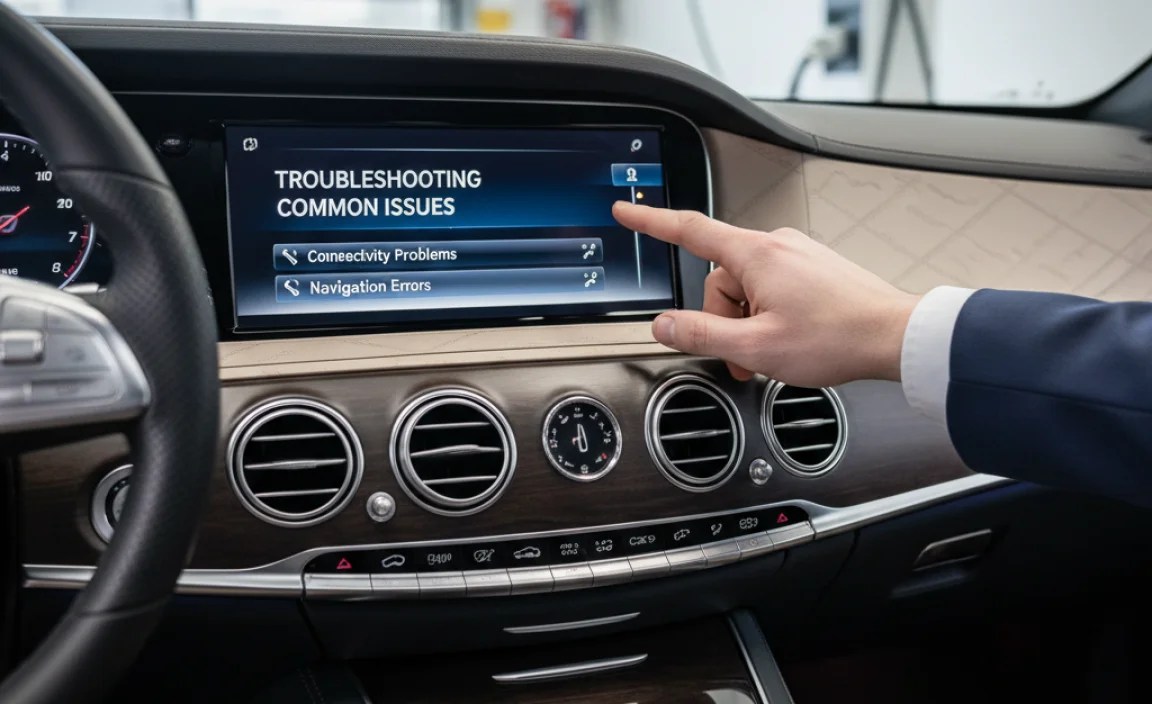
While software updates are generally straightforward, issues can sometimes arise. Here are some common problems and how to troubleshoot them:
Update Fails to Install
- Check Internet Connection: Ensure you have a stable internet connection. If using Wi-Fi, try restarting your router.
- Restart the Car: Turn off the car, wait a few minutes, and then restart it. Try the update again.
- Check Battery: Ensure your car’s battery is fully charged. Low battery voltage can sometimes interrupt the update process.
- Clear Storage: If your infotainment system has limited storage space, try deleting unnecessary files or apps.
- Contact Dealership: If the update continues to fail, contact your Mercedes-Benz dealership for assistance.
System Freezes During Update
- Do Not Interrupt: It’s crucial not to interrupt the update process. Wait patiently and allow the system to complete the update.
- Restart the Car: If the system remains frozen for an extended period, try restarting the car. However, be aware that this could potentially cause data loss or system corruption.
- Contact Dealership: If the system fails to recover, contact your Mercedes-Benz dealership for assistance.
Post-Update Issues
- Restart System: After the update, try restarting the infotainment system or the entire car to resolve minor glitches.
- Check Settings: Review your settings to ensure everything is configured correctly. Some updates may reset certain settings to default values.
- Contact Dealership: If you experience persistent issues or unexpected behavior after the update, contact your Mercedes-Benz dealership for assistance.
Benefits of Keeping Your Software Updated
Regular software updates offer numerous benefits that enhance your ownership experience and keep your Mercedes-Benz sedan performing at its best.
Performance Enhancements
Software updates often include optimizations that improve engine performance, transmission smoothness, and overall driving dynamics. These enhancements can result in better fuel economy, quicker acceleration, and a more responsive driving experience.
Bug Fixes and Stability
Software updates address glitches and issues that can affect various systems within the car. By resolving these bugs, updates enhance the stability and reliability of your vehicle, reducing the risk of malfunctions and unexpected behavior.
Security Enhancements
Security updates protect your vehicle from potential cyber threats and vulnerabilities. These updates safeguard your personal information and prevent unauthorized access to your car’s systems.
New Features and Functionality
Software updates can introduce new features, improve existing functionalities, and enhance the overall user experience. These updates keep your Mercedes-Benz sedan at the cutting edge of automotive technology, providing access to the latest innovations.
Improved Compatibility
Software updates ensure compatibility with the latest devices and technologies, such as smartphones, apps, and connectivity services. This allows you to seamlessly integrate your car with your digital lifestyle.
Mercedes-Benz Software Update Schedule
While Mercedes-Benz doesn’t publish a strict schedule for software updates, here’s a general idea of what to expect:
| Update Type | Frequency | Content |
|---|---|---|
| OTA Updates | Every 1-3 months | Infotainment improvements, bug fixes, minor feature additions |
| Navigation Map Updates | Twice per year | Updated road data, points of interest, traffic information |
| Module-Specific Updates (Dealership) | As needed (typically during service) | Engine, transmission, safety system enhancements |
| Major System Updates | Annually or bi-annually | Significant feature overhauls, new system integrations |
It’s always best to check your Mercedes me app or with your dealership for the most accurate and up-to-date information regarding software updates for your specific vehicle.
Mercedes Me Connect Services
Mercedes Me Connect is a suite of services that enhance your ownership experience. Understanding these services can help you manage your software updates more effectively.
- Remote Services: Lock/unlock your doors, start the engine, and check vehicle status remotely via the app.
- Navigation: Access real-time traffic information, online map updates, and route planning.
- Assistance & Support: Get 24/7 access to roadside assistance, emergency services, and customer support.
- Maintenance Management: Track your vehicle’s service history, schedule appointments, and receive maintenance alerts.
- Entertainment: Stream music, podcasts, and audiobooks through the integrated infotainment system.
Conclusion
Keeping your Mercedes-Benz sedan’s software up-to-date is crucial for maintaining its performance, security, and features. By following the steps outlined in this guide, you can effortlessly manage your software updates and ensure your Mercedes remains at the forefront of automotive technology. Whether it’s through Over-the-Air updates or dealership visits, staying current with the latest software ensures a smoother, safer, and more enjoyable driving experience. Don’t overlook these essential updates – they’re a key part of owning a modern Mercedes-Benz.
“`


